




Marketing teams invest thousands, sometimes millions, of dollars in multi-channel campaigns each year. The money is unrestricted for anything from SEO and email nurture sequences to paid search and social media advertisements. However, many marketers find it difficult to provide a specific response when the board poses the straightforward question, "What was our actual return on investment?"
Proving financial benefit is like trying to solve a puzzle with missing pieces if your analytics are housed in separate silos. A customized digital marketing dashboard is necessary to close the gap between campaign spending and the real bottom line of your company.
We will help you create a revenue-focused reporting system in this extensive guide.
In this comprehensive guide, we will walk you through building a revenue-focused reporting framework that translates raw marketing data into undeniable business performance.
Why standard analytics fall short of proving ROI
Native platform tools, including Google Ads Manager, Meta Ads Manager or simply web analytics, are great at measuring engagement. You get told about clicks, impressions, CTR, and CPC. Although helpful for tactics, these metrics do not show the true value in financial impact.
Typically, a campaign reporting dashboard centers on vanity metrics.
Traffic counts are high, but leads are not qualified.
Ineffective for audiences that have no purchase intent.
Email open rates are ridiculously high but not generating pipeline revenue!
When you don’t link ad spend directly to closed-won deals, marketing is viewed by executives as a cost center rather than a growth engine. A revenue-focused dashboard addresses this issue by tracking the full buyer journey from the first touch to the final deal in your CRM system.
Step 1: First, we need to define the metrics and KPI’s.
Before you open any data visualization software, determine the financial and operational metrics to track. Keep the report clean – only put important signals in the report.
Financial metrics (The executive view)
Customer Acquisition Cost (CAC): Total sales and marketing spend divided by the number of new customers acquired over a given period.
Return on Ad Spend (ROAS): Gross revenue generated directly from paid campaign channels divided by total ad spend.
Customer Lifetime Value (LTV): The total revenue a business can expect from a single customer relationship over time.
LTV to CAC Ratio: The benchmark indicator of scalable growth (a 3:1 ratio is generally considered healthy).
Operational metrics (The tactical view)
When setting up your marketing KPI dashboard, include upstream performance metrics to understand funnel efficiency:
Cost per Lead (CPL) and Cost per Acquisition (CPA)
Marketing Qualified Leads (MQLs) to Sales Qualified Leads (SQLs) conversion rate
Pipeline opportunity value generated per channel
Step 2: Unify your marketing and sales data stack
To build a proper digital marketing dashboard, you need to connect two systems by integrating the necessary data platforms.
Integrations that shouldn’t be ignored.
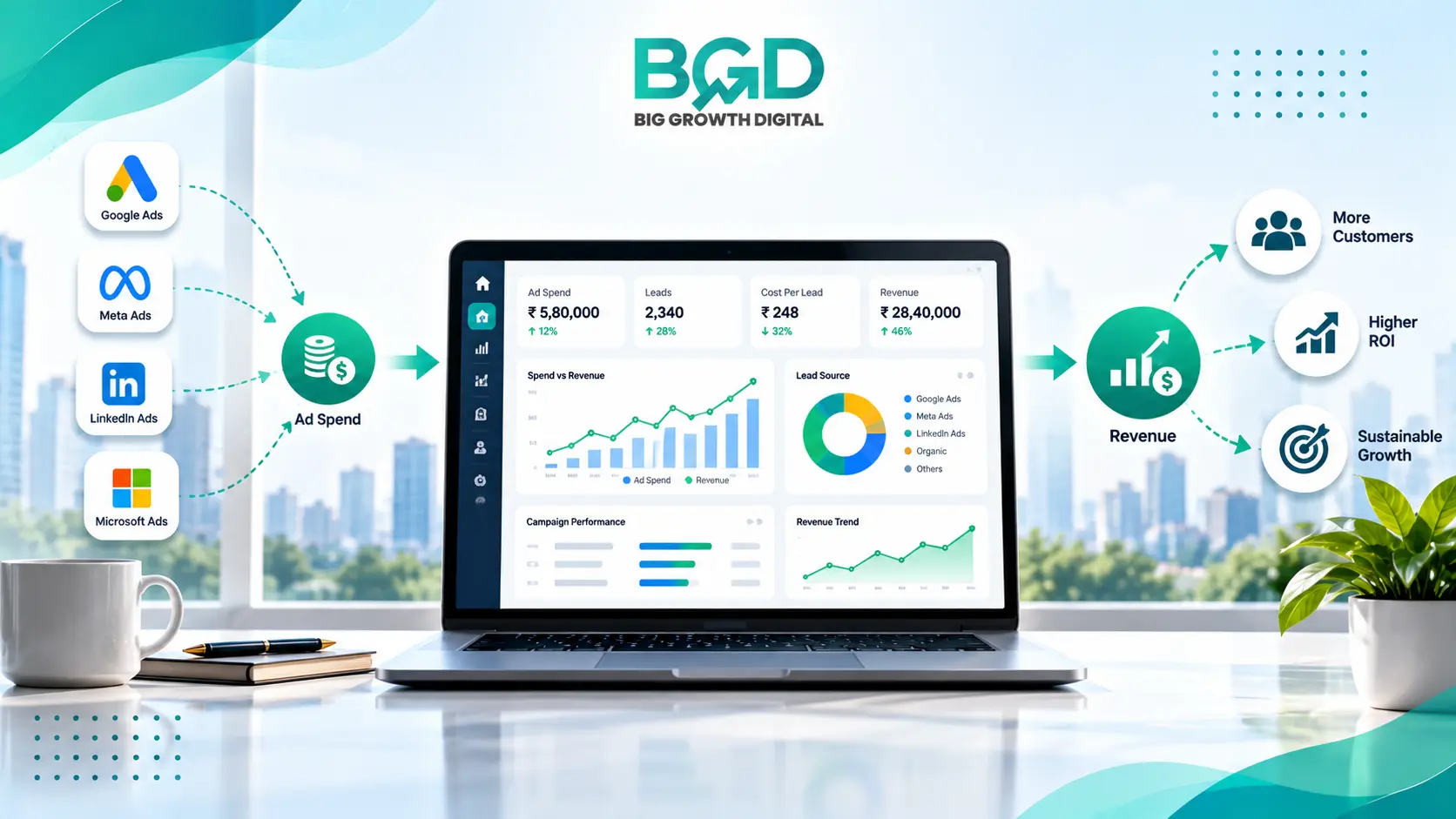
Google Ads, Meta Ads, LinkedIn Campaign Manager, and TikTok Ads are ad platforms.
Web and Behavior Analytics: Google Analytics 4 (GA4), Mixpanel, or Adobe Analytics.
Salesforce, Big Estate, HubSpot, or Zoho CRM for CRM & Sales Tools.
Tools for ETL / Connectors: native connectors of Looker Studio, Supermetrics, Fivetran or Funnel.io.
When your paid media channels and the contacts in your CRM always sync up, the ad platforms will optimize for revenue rather than visits to the site or form fills.
Step 3: Select an appropriate model for multi-touch attribution.
To relate advertising payment to revenue, you must assign a monetary value to the points a user touches before buying. Based on the length of your sales cycle and your customers’ behavior, you’ll want to pick the right one.
First-Touch Attribution: Assigns 100% of the revenue credit to the very first interaction. This model is best used for understanding top-of-funnel brand awareness channels.
Last-Touch Attribution: Assigns 100% of credit to the final channel before conversion. This works best for short sales cycles or transactional e-commerce stores.
Linear Attribution: Splits revenue credit equally across all touchpoints in the path. It is ideal for multi-channel campaigns with standard buyer journeys.
Time-Decay Attribution: Gives increasing credit to touchpoints closer to the time of conversion. This is well-suited for longer B2B sales cycles with continuous lead nurturing.
Data-Driven (W-Shaped/Position-Based) Attribution: Uses algorithmic machine learning to assign custom weight across crucial stages. This is best for complex enterprise buyer journeys with extensive touchpoints.
Step 4: Structure your dashboard visual layout
A good marketing analytics dashboard would have an intuitive visual hierarchy. At a minimum, some indication of the health of the business should be in clear sight before delving into specifics.
Endorsed dashboard framework.
Top-Level Executive Summary.
Overall Spending and Earnings.
Total Marketing Return on Investment and Average Customer Acquisition Cost.
Comparison of Generated Pipeline vs Targets by Month.
Second Level: Analysis of Channels.
Performance of Google Ads and keyword ROAS.
The cost of SQL on paid social.
Organic and content are essential for SEO traffic value
Analysis of Campaigns and Creatives: Tier III.
Best-performing ad creative and copy variations.
The differences in conversion rates for landing pages.
Keeping this multi-level architecture in your Digital Marketing Dashboard lets C-level executives and Growth Marketers take immediate value from one dashboard.
Stage 5: Set up control and maintenance of data quality.
The reliability of the dashboard depends on the raw inputs that it ingests. Common tracking breakdowns can ruin data integrity and lead to wrong decisions. Unstructured UTM Parameters: Ensure use of strict standardized UTM naming conventions across all paid campaigns, e.g., all lowercase naming, clear source/medium formats. Check the mix of Tags, pixel events, and Server-Side Tracking (Meta Conversions API) for ongoing conversion monitoring.
Elevate your growth engine with Big Growth Digital
Setting up a fully integrated digital marketing dashboard that connects every dollar spent directly to bottom-line revenue requires advanced technical infrastructure, robust CRM configuration, and deep analytical expertise.
At Big Growth Digital, we help high-scaling brands build robust, revenue-driven marketing architectures. As a premier full-service digital marketing agency, our team handles everything from advanced multi-touch attribution setup and custom business intelligence modeling to high-performing paid media acquisition. We ensure you never have to guess where your revenue is coming from again.
Ready to gain absolute clarity over your marketing investments? Partner with Big Growth Digital today and unlock predictable, scalable growth.
Frequently Asked Questions (FAQs)
1. How often should a digital marketing dashboard be updated?
Data refreshes depend on your reporting layer and operational needs. Executive-level views evaluating overall ROI and revenue trends are typically reviewed weekly or monthly. Tactical campaign dashboards monitored by media buyers should ideally pull near real-time or automated daily data to allow for quick optimization of ad budgets and creative adjustments.
2. Which software is best for creating a campaign reporting dashboard?
Popular data visualization tools include Google Looker Studio, Microsoft Power BI, Tableau, and Databox. Looker Studio is an excellent choice for teams using Google-centric stacks due to its native integrations, while enterprise brands with complex data warehouse environments often leverage Power BI or Tableau for custom data modeling.
3. What is the difference between ROI and ROAS on a marketing KPI dashboard?
ROAS (Return on Ad Spend) measures gross revenue generated relative strictly to ad spend (Revenue / Direct Ad Cost). ROI (Return on Investment) is a broader financial metric that accounts for total marketing expenses, including ad spend, team salaries, agency fees, software subscriptions, and production costs, evaluating total profitability.
4. Can a marketing analytics dashboard handle long B2B sales cycles?
Yes. By integrating your web analytics platforms with an enterprise CRM system (like Salesforce or HubSpot), your dashboard can track lead activity over months or years. Using position-based or time-decay attribution models ensures early touchpoints receive appropriate financial credit when a deal finally closes.
5. How do privacy updates and cookie loss affect dashboard accuracy?
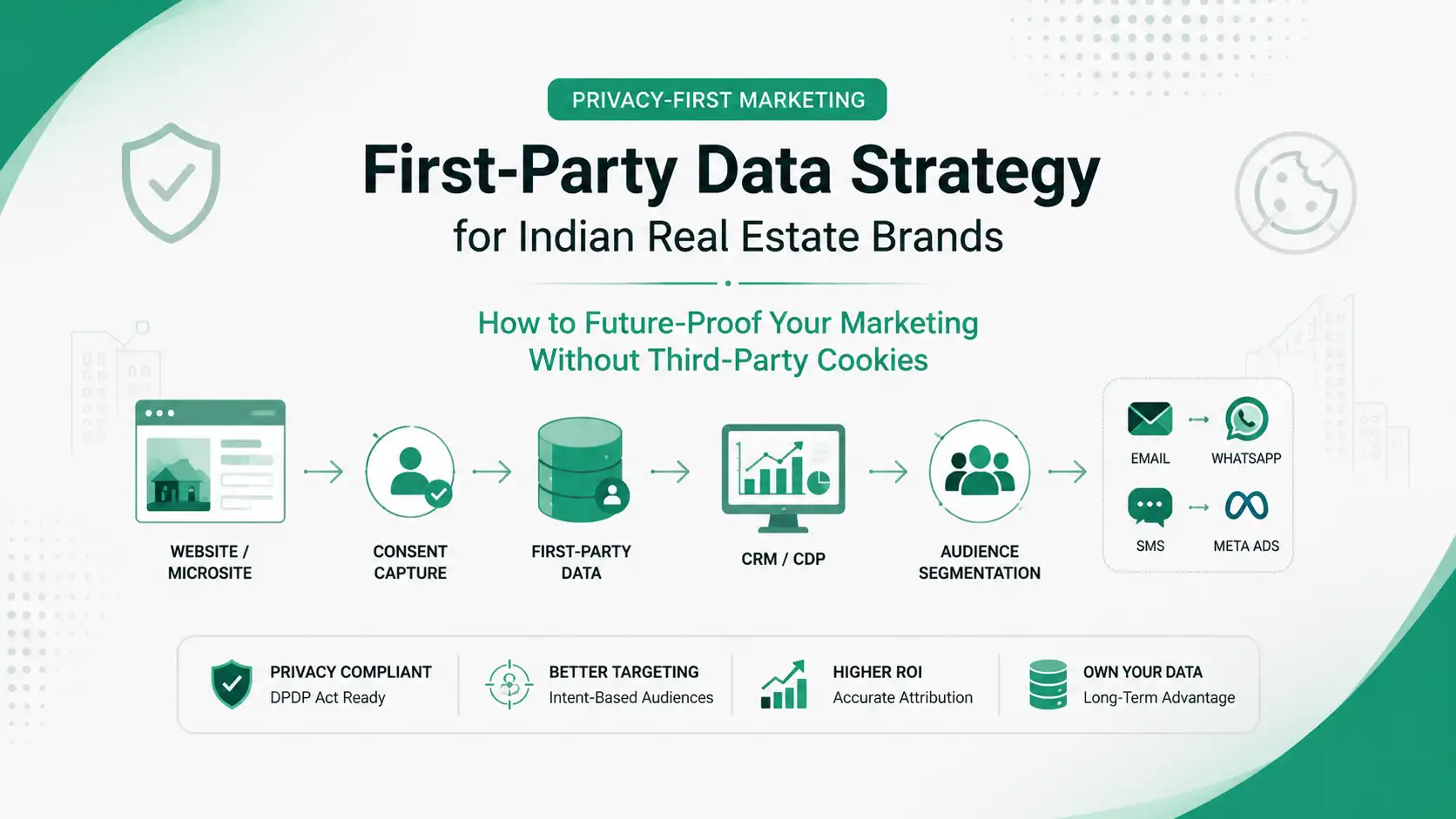
Evolving privacy regulations (such as GDPR/CCPA) and browser cookie restrictions (like Apple iOS App Tracking Transparency) reduce traditional third-party tracking accuracy. Modern dashboards combat this by relying on first-party data capture, server-side tracking APIs, and data-driven algorithmic attribution to model conversions accurately.